
Medical Appointment Scheduling Software for the whole appointment lifecycle
Medical appointment scheduling software that follows the appointment end to end — a patient finds a slot, books it, gets reminded, checks in — and when someone cancels, the waitlist refills the time automatically. The calendar is the easy part; the lifecycle is the product.
Trusted by care teams across 68+ sites · 739K+ patients served

The six moments a medical appointment scheduling system must own
Every appointment passes through the same six moments. Lose any one of them and capacity leaks — an unbookable slot, a forgotten visit, a queue at the desk, an empty room. TSB owns all six in one system.
1. Find
The patient sees real availability — the right visit type, provider and location — instead of phoning to ask what exists.
2. Book
The slot is taken in one pass, with the room and resources it needs reserved alongside it. No callbacks, no pencilled-in maybes.
3. Prepare
Intake forms, instructions and details are collected between booking and arrival, so the visit starts ready instead of starting with a clipboard.
4. Remind
Confirmations and reminders arrive by text and email, each with a one-tap confirm, reschedule or cancel — turning silent no-shows into early notice.
5. Arrive
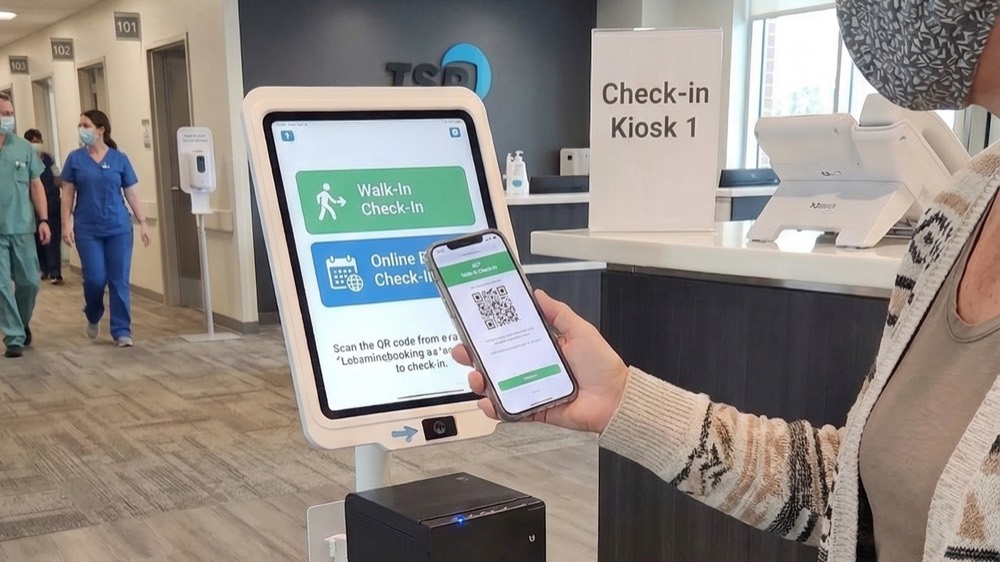
The patient checks in at a kiosk or on their phone and joins the live queue; the 70% cut in check-in time happens at this step.
6. Refill
Cancellations return to the pool and the waitlist is offered the time automatically — the step most medical appointment software programs simply don’t have.

Booking that fills the schedule while the office is closed
Roughly a third of online bookings happen outside office hours. An online medical appointment system keeps the schedule filling overnight and at weekends, under exactly the same rules staff booking uses during the day.
- 24/7 self-scheduling for new visits, follow-ups and rebooking, from any device.
- Rule-safe slots only — patients can only book what the service could actually deliver.
- Staff and online in one engine so there is one truth about what is free, on every channel.
Cancellations that refill themselves
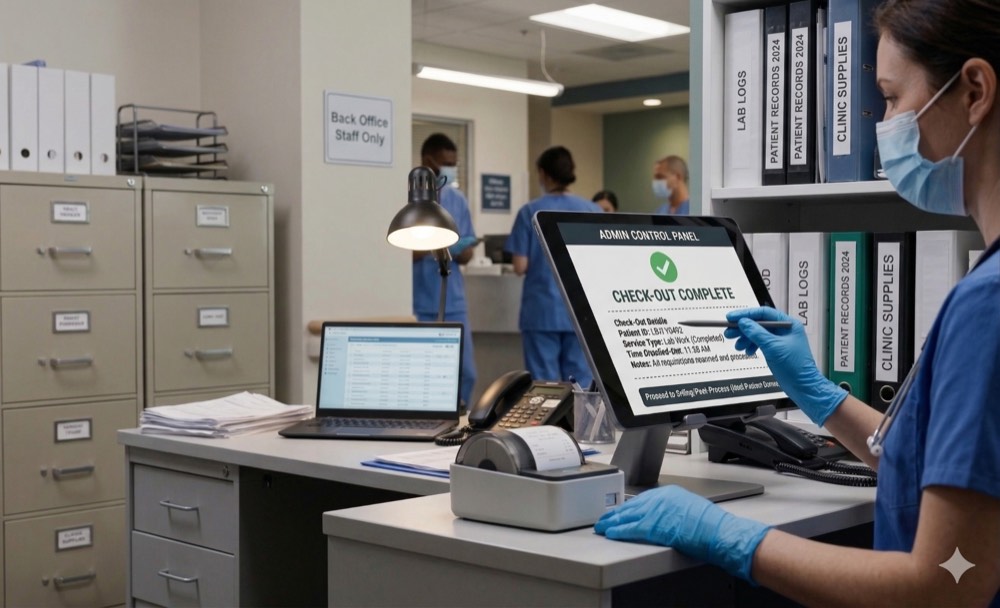
The gap between a good schedule and a full day is what happens to cancellations. TSB treats every cancelled slot as inventory: the waitlist is worked automatically, offers go out by text, and the first patient to accept takes the time.
- Automatic waitlist offers matched on visit type, provider and location.
- Early-cancel by design — one-tap cancel in every reminder converts no-shows into notice.
- Recovered capacity, counted — 112K+ appointments recovered across TSB deployments.
What a closed loop gives back
Check-in that keeps the morning on time
The lifecycle ends where the visit begins. Self check-in moves arrival from a desk queue to a kiosk or the patient’s phone, stamps the appointment as arrived, and hands the visit to the live queue — so the schedule you built survives contact with the morning rush.
- Kiosk and mobile check-in with identity confirmed and intake verified on arrival.
- Live queue handoff so clinical teams see who is ready the moment they are.
- On-time starts protected because arrivals no longer wait behind the phone line at the desk.
Frequently asked questions
What is medical appointment scheduling software?
How does a medical appointment booking system refill cancellations?
Can patients book online, or does booking still go through staff?
What is the difference between an appointment scheduling system and an appointment management system?
How do reminders actually reduce no-shows?
Who is this page for — clinics or hospitals?
Keep exploring
Watch one appointment go end to end
Book a 30-minute walkthrough and we’ll run a single appointment through the whole lifecycle — find, book, remind, check in, refill — so you can judge the loop, not the demo.




 and more…